
Nivalis Nights curfew, safety and saving
Plan for curfew, understand security and rival sabotage, and recover the quest-log display after the October 1 patch.
Curfew changes life in Nivalis at night. Security systems and rival sabotage are part of the city, so plan your evening around where you intend to finish rather than assuming daytime travel is always available.
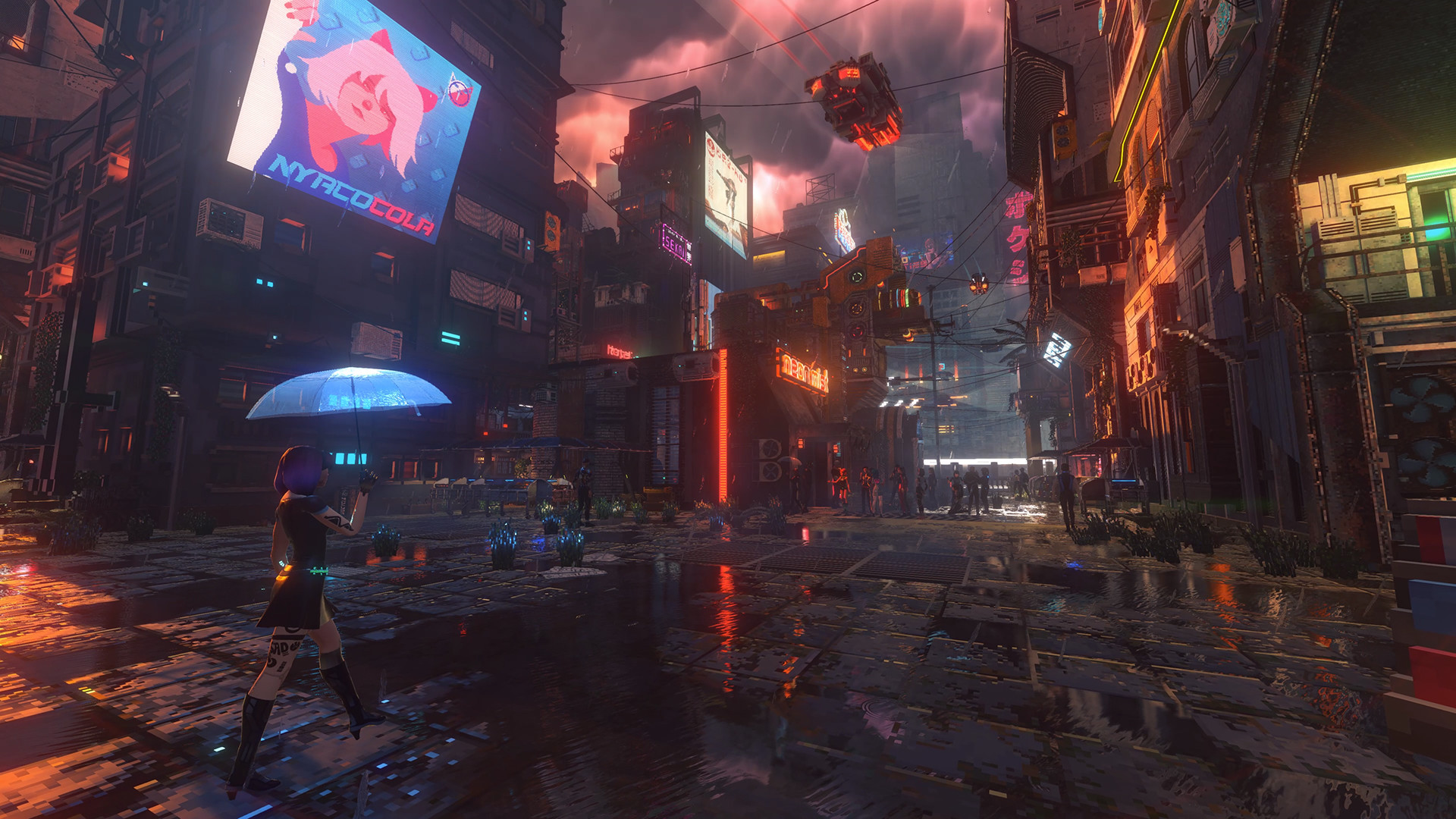
Keep an evening destination in mind
Official material describes a city under CorpSec pressure and a curfew connected to its dangers. The apartment development blog advises residents to be at home at night. If you want a straightforward routine, finish your errands with a home you can return to.
Fishing can also take place at night, and the boat is described as a place to rest. That does not establish that every night route is safe or that security works identically in every area.
Security and sabotage
The game includes avoiding security systems during curfew and sabotaging business rivals. Competitors can retaliate with sabotage of their own. Before taking on these activities, pay attention to the current objective and the security visible in the area.
The official pages linked here do not specify a universal curfew time, fine amount or alarm radius. Use the game’s current clock and instructions for those details.
Before an evening errand, read the active objective, identify the district you need to visit and decide where you will finish. A boat trip and a street journey serve different purposes; the ability to fish at night does not establish a safe route through every district. For routine errands, leave time to return to your chosen home instead of adding another stop simply because it is nearby.
Save progress and recover the quest log
Autosaving happens at the end of each day, and manual saving is available from the Pause Menu. Save manually before quitting.
| Save method | When to use it |
|---|---|
| Daily autosave | The automatic checkpoint at the end of the day |
| Pause Menu save | Preserve progress made since the last daily autosave, especially before quitting or reloading |
| Steam Cloud | Sync saved progress between PCs when connected to the internet |
You can play offline. Steam Cloud needs an internet connection and syncs again when you reconnect, so allow synchronization to finish before continuing on a second PC.
The October 1 patch lists a known issue: after hiding the quest log by holding J, its text can become unreadable when you show it again. Reloading your save restores the text. The developers say a permanent fix is prepared but was not included in that patch.
If the text becomes unreadable, save your current progress through the Pause Menu before reloading that save. Check the restored quest list before resuming the task. If reloading does not resolve it, report what happened, the location and the steps that led to it to 505 Games support.
Sources: Steam overview, apartment blog, fishing blog, official FAQ and October 1 patch.
Related guides
city-life
Nivalis Nights apartments and decorating
Find a home that fits your routine, furnish apartments and venues, and locate shops for the Ramen Noir decoration objective.
city-life
Nivalis Nights characters, relationships and chess
Learn how dialogue choices shape relationships, meet the city’s residents, and follow the latest chess fix without story spoilers.
city-life
Nivalis Nights fishing, boats and city travel
Use your catch for restaurant ingredients or market sales, and understand boats, trains and taxis before crossing the city.
Was this helpful?
Thanks for the feedback!